Yet Another Zombie Survivors Accessibility and Game Speed
Read the horde. Slow the exam. Scores want 100 percent.
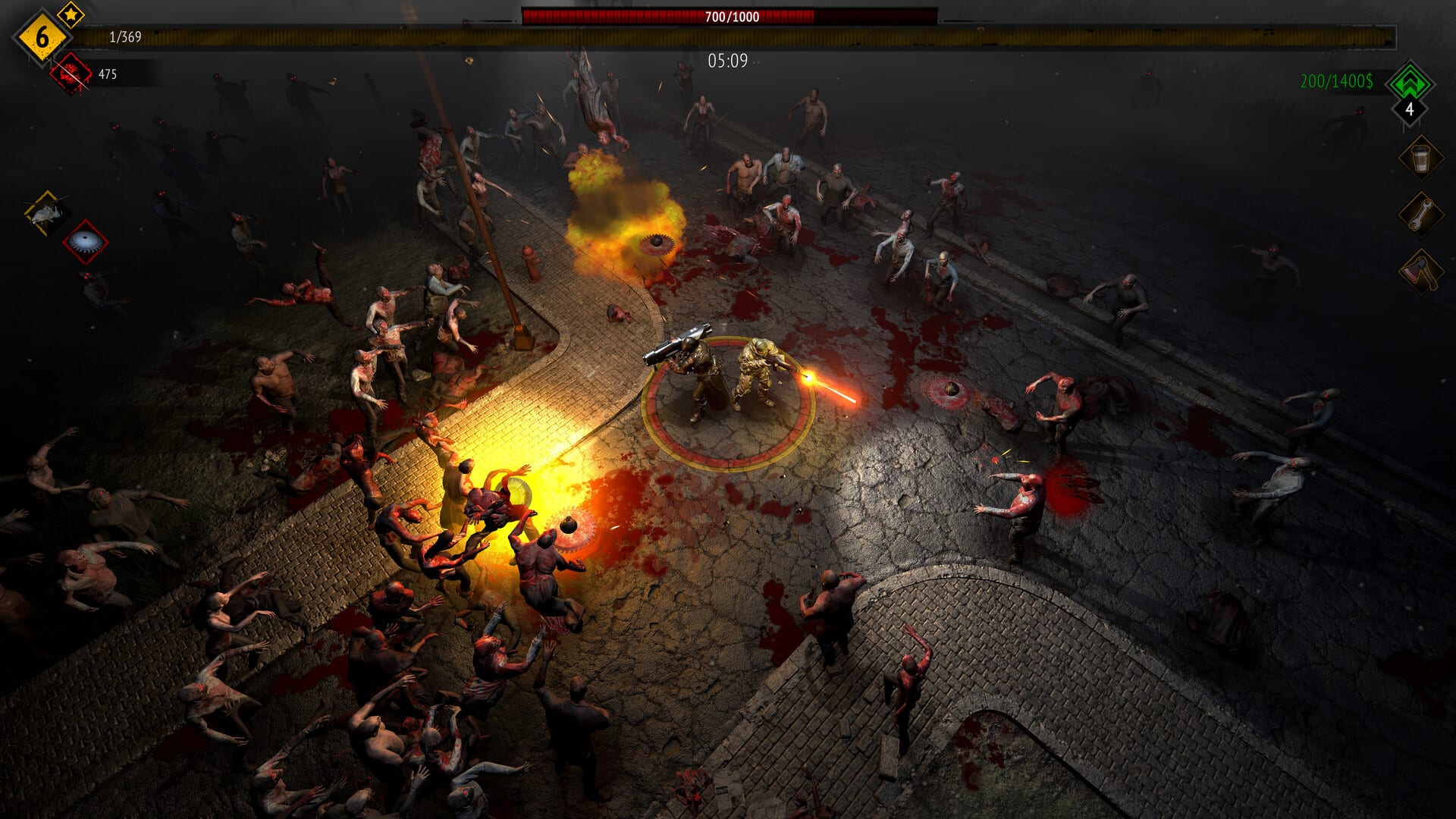
Yet Another Zombie Survivors already shipped controller support, color alternatives, custom volume, interface scaling, keyboard-only and mouse-only options before 1.0. Version 0.9 added a Game Speed accessibility slider from 50 percent to 200 percent so you can read telegraphs or turn the bullet heaven into a joke. Version 1.0 kept that slider and then spent hotfixes telling the truth about what it does to leaderboards. This page is the settings article, not a dawn walkthrough. Combat still starts on Getting Started. Display and FPS live with the rest of the store-shelf notes on platforms. Play on 1.0.0c2 after the 20 August 2026 launch.
Permanent speed versus hotkeys
Accessibility holds the permanent Game Speed slider. That is the setting you want if every run should be slower or faster. 1.0.0c added PC Remap Controls binds for Speed up and Slow down. Those last that run only. 1.0.0c2 pops a warning when you change speed on PC. Any speed below 100 percent disables leaderboards. If you are posting Isolated City Hardcore or Infinite, leave both layers at 100. If you are learning kite on Survive until dawn, slow the game and accept that the board will ignore the time.
Console overlays may not expose the PC hotkeys. Use the Accessibility slider. Do not hunt a missing bind.
Blood, color, sound, cursor
Blood can be reduced. Color alternatives exist for players who cannot trust default enemy tints. Interface scaling helps Deck and television distances. Custom volume was retuned in 1.0.0c so 5 percent is actually quiet. Achievement toasts moved so they collide less with system overlays.
1.0.0a stuck the mouse cursor to the window. 1.0.0b added a Display toggle. 1.0.0c made unlocked the PC default again because multi-monitor setups were clicking the desktop. 1.0.0c2 repeated that the cursor should stick when you ask it to. Camera Movement accessibility readout was fixed in 1.0.0b. See hotfixes if a launch-week thread still describes a locked cursor with no toggle.
What speed does not fix
Slowing the game does not add a fourth survivor. It does not add co-op. It does not make Bio Lab a first farm. It does not replace a shield from Engineer. Elite Bosses still wind up; you just see the telegraph longer. Endurance still one-shots after minute thirty-five if the kit is greedy.
200 percent is a joke for people who already own Isolated City. It is not a Default plan. 50 percent is a teaching tool. Pair it with Role Player on Training so evolutions still arrive before danger six.
If the UI felt glued to 60 FPS while the horde rendered higher, that was a launch cap. 1.0.0b removed it. Raise Max FPS in Display. Steam Deck notes live on Steam Deck.
Blood, color, scaling, volume in practice
Blood can be reduced until the screen is readable. Color alternatives exist if default enemy tints fail you — spit cones and Elite Bosses telegraphs still need a hue you can trust. Interface scaling is the Deck and television control: bump it in handheld, bump it again on a couch TV so the board and the horde are not postage stamps. Custom volume was retuned in 1.0.0c so 5 percent is actually quiet; use it when the house is asleep. None of these settings disable leaderboards. Only game speed below 100 percent does.
Steam Deck, TV, the 1.0.0c2 popup, the 60 FPS cap
Steam Deck is Verified. Open Display first. After 1.0.0b the gameplay UI is no longer glued to 60 FPS; raise Max FPS so menus and the horde agree. Then open Accessibility and scale until gem sparkles are readable at arm’s length. Handheld wants a smaller scale than a docked TV across the room. The 1.0.0c2 speed popup is a PC warning when hotkeys change Game Speed. If you meant to tap a remap and hit Slow down, stop and restart the run if you care about the board. Returning to 100 mid-run does not rehabilitate a disabled score. Console overlays may not expose the PC hotkeys; use the slider. There is still no co-op and no fourth survivor. Speed does not invent either. Notes: Steam Deck.
Accessibility is how you read the exam. Movement is still the skill. Put speed at 100 when you care about the list. Put it at 70 when you are tired of dying to spit you never saw. That is the page, not a second controls dump.
Frequently Asked Questions
Quick answers to the most common questions.
Does slowing the game ban me from leaderboards?
Below 100 percent, yes. Hotkey speed is per run. Permanent speed is the Accessibility slider.
Where is Game Speed?
Accessibility, 50 to 200 percent. PC also has Remap Controls hotkeys after 1.0.0c.
Can I turn blood off?
You can reduce blood. Color alternatives and scaling are in the same settings family.
Why did my cursor lock after 1.0?
1.0.0a stuck it. 1.0.0b added a Display toggle. 1.0.0c unlocked the PC default again.
Does reducing blood disable scores?
No. Only game speed below 100 percent disables leaderboards. Blood, color, scaling, and volume do not.
Is the UI still stuck at 60 FPS?
Not after 1.0.0b. Raise Max FPS in Display. That mattered on Steam Deck and high-refresh monitors.